
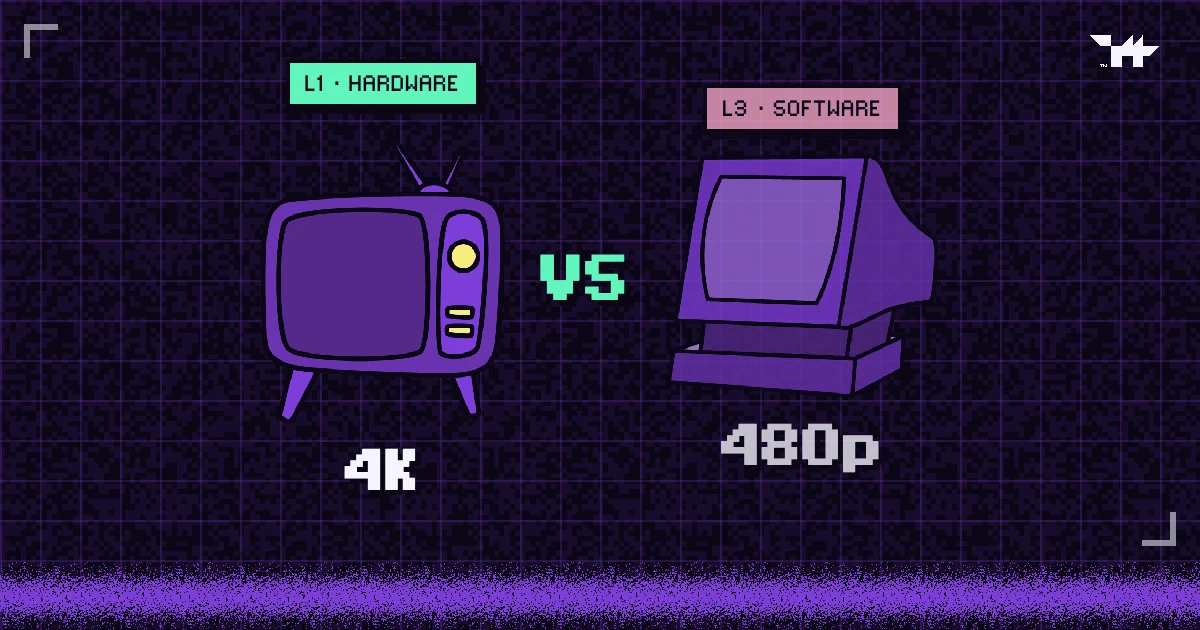
- Widevine L1 decrypts and decodes video inside protected hardware; L3 does both in software. PlayReady has the same split: SL3000 (hardware) and SL2000 (protected software).
- Software-decoded frames are easier to capture, so platforms limit software DRM to standard definition. HD and 4K also need a protected (HDCP) connection to the screen.
- Wolvy caps software Widevine at 480p instead of blocking those viewers, so they keep watching while the HD master stays protected.
LEVEL MAP
A student writes in: the lesson is sharp on their phone but blurry on their laptop. Nothing is broken. Their laptop browser is using a different DRM security level, and the platform is doing exactly what studios do with software DRM: holding back the HD version.
Security levels in plain words
Every DRM system has to run somewhere on the viewer’s device, and where it runs decides how far it can be trusted. Google’s Widevine names three levels:
- L1: decryption and video decoding both happen inside a trusted execution environment (TEE), a sealed area of the processor that the operating system and other apps cannot read. The decoded picture goes straight to the screen.
- L2: decryption happens inside the TEE, but the video is processed outside it. It is rare in practice.
- L3: no TEE at all. Decryption and decoding run in software, in ordinary memory.
Microsoft’s PlayReady uses numbers: SL3000 is the hardware-backed level and SL2000 is protected software. Apple does not publish levels for FairPlay; on Apple devices it uses Apple’s own protected video path.
Which devices get which level
Exact results depend on the model and its software, but the pattern is consistent:
| Device and browser | DRM used | Usually |
|---|---|---|
| Safari on Mac, iPhone, iPad | FairPlay | Hardware-backed |
| Mainstream Android phones, Android TV, Chromecast | Widevine | L1 |
| Rooted phones, unlocked bootloaders, emulators, some older or budget Android devices | Widevine | L3 |
| Chrome, Firefox and Edge on macOS and Linux | Widevine | L3 |
| Edge and Chrome on Windows with supported graphics hardware | PlayReady | SL3000 |
| Windows without hardware DRM, or with graphics acceleration turned off | PlayReady or Widevine | Software |
Free apps such as DRM Info show which Widevine level an Android phone reports.
Why software DRM gets 480p
Software DRM still encrypts the stream and still stops downloads. The weakness is what happens after decryption: the decoded frames sit in ordinary memory, where capture tools and modified software can reach them. Hardware DRM never lets them out of the protected path.
So content owners match quality to trust. Film studios typically require hardware DRM for HD and 4K and allow software DRM only at standard definition. The same rule makes sense for a course or a paid replay: the HD master is the asset worth protecting, and a 480p picture is far less valuable to a pirate.
The connection to the screen counts too. HDCP (High-bandwidth Digital Content Protection) encrypts the signal between the device and the display, which defeats capture boxes sitting on an HDMI cable. HD playback normally requires HDCP, and 4K requires HDCP 2.2.
Block or cap? The trade-off
When a viewer arrives on an L3 device, a platform has two choices:
| Block L3 devices | Cap them at 480p | |
|---|---|---|
| HD master | Protected | Protected |
| Viewers on Linux, Mac browsers other than Safari, budget phones | Locked out | Keep watching in standard definition |
| Support load | “It won’t play” tickets and refund requests | The odd “why is it blurry?” question |
Wolvy caps by default and lets you choose blocking where it matters. In App-Only mode, viewers whose browser only has software Widevine are sent to a protected client instead: the Wolvy Player app on Android, Edge on Windows, Safari on Apple devices. It suits exam reviews and premium modules; the screen-recording guide covers when to use it.
How Wolvy decides, step by step
- Probe the device. Before playback, the player checks which DRM systems the browser offers and at which level: hardware PlayReady, hardware or software Widevine, or FairPlay.
- Check the screen connection. It asks the DRM module whether the output is HDCP-protected, and at which version.
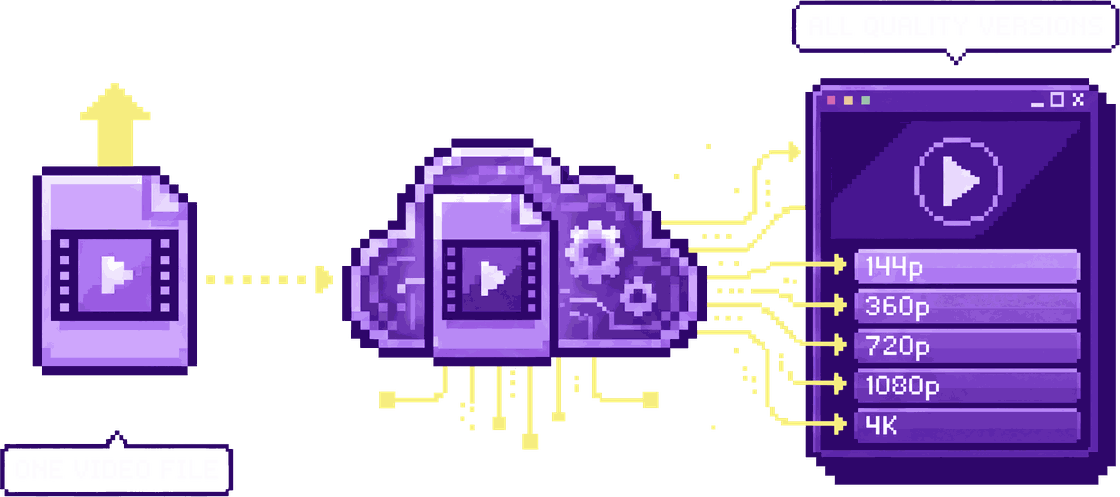
- Pick the ceiling. Software Widevine, or a connection without HDCP: up to 480p. Hardware DRM with HDCP 2.2: up to 4K. Everything in between, including PlayReady’s protected software level: up to 1080p.
- Enforce it at the licence server. Widevine releases HD and 4K keys only to hardware-backed devices, and PlayReady releases 4K keys only at SL3000. A software module cannot climb a tier by editing the player.
- Step down instead of failing. If a high tier fails on a particular device, the player drops to the next tier and keeps playing rather than showing an error.
What to tell viewers who see 480p
If someone reports a blurry lesson, the fix is usually one of these:
- Mac, iPhone, iPad: watch in Safari.
- Windows: use Edge or Chrome, and make sure graphics (hardware) acceleration is turned on in the browser’s settings.
- Android: rooted or unlocked phones and emulators report L3; a standard, up-to-date phone usually reports L1.
- External screens: connect the monitor or projector directly over HDMI or DisplayPort. Capture devices and some older adapters do not support HDCP.
Behind all of this sits the same idea as DRM itself: the better a device can protect the picture, the more of the picture it gets.
FAQ.EXEQuestions people ask
Is Widevine L3 insecure?
Can a viewer upgrade a device from L3 to L1?
What does 4K playback need?
Why do Safari users get full quality?
CREDITSSources
LEVEL COMPLETE
+1,061 WORDS · LV.02 CLEARED
Ready to put a guardian wolf between your videos and the internet?
NEXT LEVEL ▶
Can you stop people screen-recording your videos?
What DRM, hardware protection and app-only playback really stop, device by device, and why a per-viewer watermark is the answer to the phone camera.
How paid course videos leak, and how to close every route
Downloaders, forwarded links, shared logins, re-embeds, screen recorders and the reseller channels that collect them: six routes, and the control that closes each.
AES-128 HLS encryption vs multi-DRM: which does your video need?
Encrypted HLS stops casual downloads and hotlinking; DRM keeps the key out of reach entirely. A plain comparison, and a checklist for choosing.