
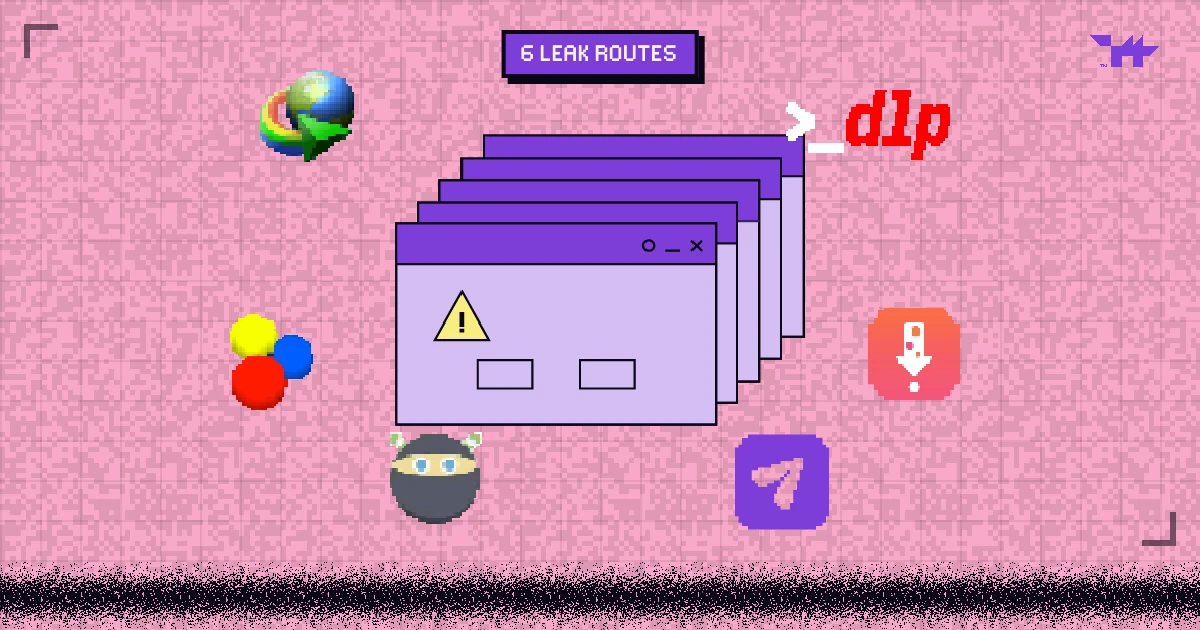
- Course videos leak through six routes: download tools, forwarded links, shared logins, re-embedding, screen recording, and the reseller channels that collect the results.
- Each route has its own control. Unlisted links and passwords close none of them.
- The goal is not zero copies, which is impossible, but copies that do not play, are rare, and point back to the account that made them.
LEVEL MAP
Launch day goes well. Within a week, the whole course turns up in a Telegram channel or a shared Drive folder, sold for a fraction of the price. It feels like magic, but it is not. Almost every leak follows one of six routes, and each one can be closed.
Route 1: download tools
Browser extensions and apps such as Internet Download Manager, Video DownloadHelper and yt-dlp find the stream behind a player and save it. They work on almost any unprotected video, including unlisted YouTube links, Google Drive previews and video files on your own server.
The fix: encrypt the stream with DRM. The tools can still download the segments, but without a licence they will not play. Encrypted HLS (AES-128) defeats the simple tools too, but its key is fetched by the page, so a determined user can still decrypt it; see AES-128 HLS encryption vs multi-DRM.
Route 2: the forwarded link
A student pastes the lesson page or the player’s address into a group chat. If the player works for anyone who has the link, one purchase becomes a group ticket.
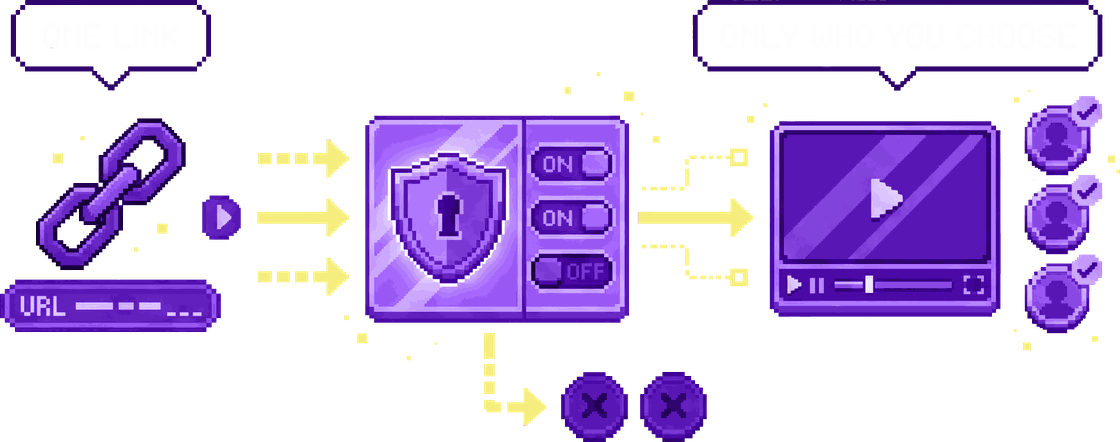
The fix: signed, expiring playback links, and a player that only runs on your own site. Wolvy checks that the video is embedded on one of your allowed domains, and your site gives each viewer a signed token that expires on its own. A forwarded link stops working.
Route 3: the shared login
The cheapest leak of all: one student pays and shares the password with friends. Nothing is copied; everyone just logs in.
The fix: make every session belong to a person. Wolvy’s session limits cap how many devices can stream on one account at the same time, so one login cannot feed a whole group chat. Give each student their own signed viewer token, show their ID in the video watermark, and limit simultaneous logins in your course platform too (most LMS and membership tools have a setting or a plugin for it). Shared accounts become visible, and lending your login means lending your name.
Unlisted YouTube links are fine for paid lessons.
Unlisted only hides a video from search. Anyone with the link can watch it, and the same download tools save unlisted videos as easily as public ones.
Route 4: re-embedding on another site
Someone copies your embed code into their own site, often a “free courses” page that earns money from ads.
The fix: a domain allowlist. Wolvy plays an embed only on the domains you list, and you can block specific domains outright. Copied embed code shows an error page instead of your lesson.
Route 5: screen recording
When downloading fails, the next step is recording the screen while the video plays.
The fix: hardware-backed DRM, which records black on iPhones, Macs with Safari, most Android phones and Windows machines with hardware DRM; App-Only mode for the videos that matter most; and a per-viewer watermark for everything else. The details are in Can you stop people screen-recording your videos?
Route 6: the reseller channel
Leaked copies end up in Telegram channels, Drive folders and forums that bundle courses and resell them. This is where a leak turns into lost revenue.
The fix: traceability and takedowns. When a copy carries a watermark, you know which account it came from, and you can close it. The platforms that host copies, including Telegram, Google Drive and YouTube, accept copyright reports; send one with proof that the course is yours.
The six routes at a glance
| Route | What the leaker uses | The control that closes it | In Wolvy |
|---|---|---|---|
| Download tools | IDM, DownloadHelper, yt-dlp | DRM encryption | Widevine, PlayReady and FairPlay on every DRM plan |
| Forwarded link | Group chats | Signed, expiring links; domain lock | Viewer tokens, allowed domains |
| Shared login | One password, many people | Session limits; per-person tokens; login limits in your LMS | Session limits, viewer ID in the token and the watermark |
| Re-embedding | Copied embed code | Domain allowlist | Allowed and blocked domains |
| Screen recording | Recorders, phone cameras | Hardware DRM, a protected app, a watermark | Hardware DRM, App-Only mode, watermark |
| Reseller channels | Telegram, Drive, forums | Tracing and takedowns | Per-viewer watermark |
A launch-week checklist
- Encrypt before launch. Upload with Multi-DRM, so day-one downloads do not play.
- Lock the player to your course’s domain and give every student a signed viewer token.
- Watermark every stream with the viewer’s ID, and refuse playback without one.
- Limit simultaneous sessions, in Wolvy and in your course platform, so one login cannot stream on a whole group’s devices.
- Protect the crown jewels, such as exam preparation and premium modules, with App-Only mode.
- Search for your course a week after launch, and act on what you find.
If you want the background first, What is video DRM? explains how the encryption part works. Wolvy runs all of the controls above on one plan; the education page shows how they fit a course.
FAQ.EXEQuestions people ask
Is YouTube unlisted safe for a paid course?
Does a password-protected page stop piracy?
What should I do when I find my course on Telegram?
Can piracy be stopped completely?
CREDITSSources
LEVEL COMPLETE
+1,073 WORDS · LV.04 CLEARED
Ready to put a guardian wolf between your videos and the internet?
NEXT LEVEL ▶
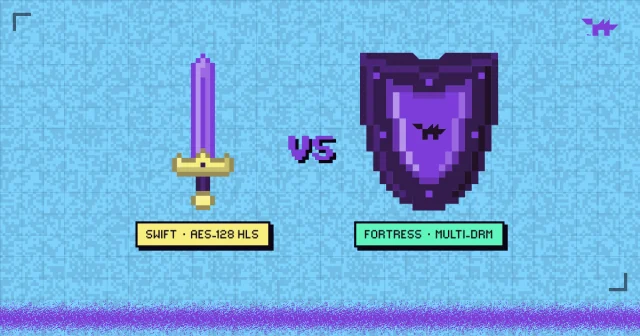
AES-128 HLS encryption vs multi-DRM: which does your video need?
Encrypted HLS stops casual downloads and hotlinking; DRM keeps the key out of reach entirely. A plain comparison, and a checklist for choosing.
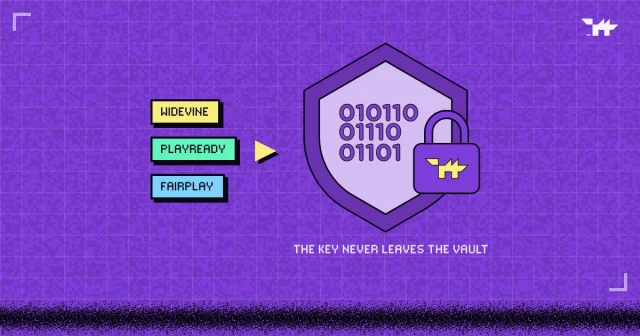
What is video DRM? Widevine, PlayReady and FairPlay, explained
How encryption, licences and the DRM module inside every browser keep a paid video playable only by the people who paid for it, and where DRM stops.
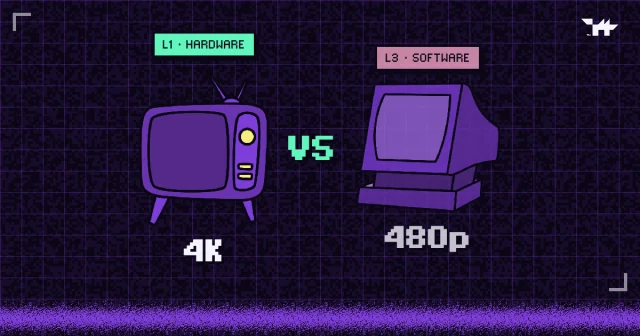
Widevine L1 vs L3: why some viewers get 480p
Security levels decide who gets HD. What L1, L3, PlayReady SL3000 and HDCP mean, which devices land where, and why capping quality beats blocking viewers.