
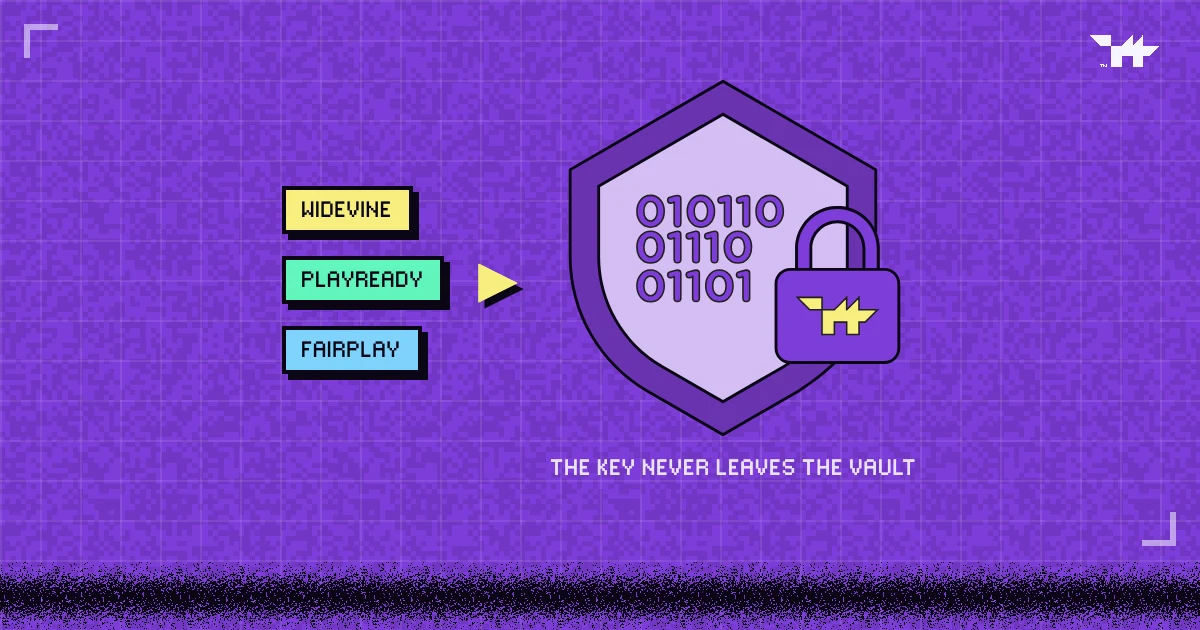
- DRM (digital rights management) encrypts a video and puts the key inside a licence that only a trusted DRM module on the viewer’s device can open, so a downloaded copy will not play.
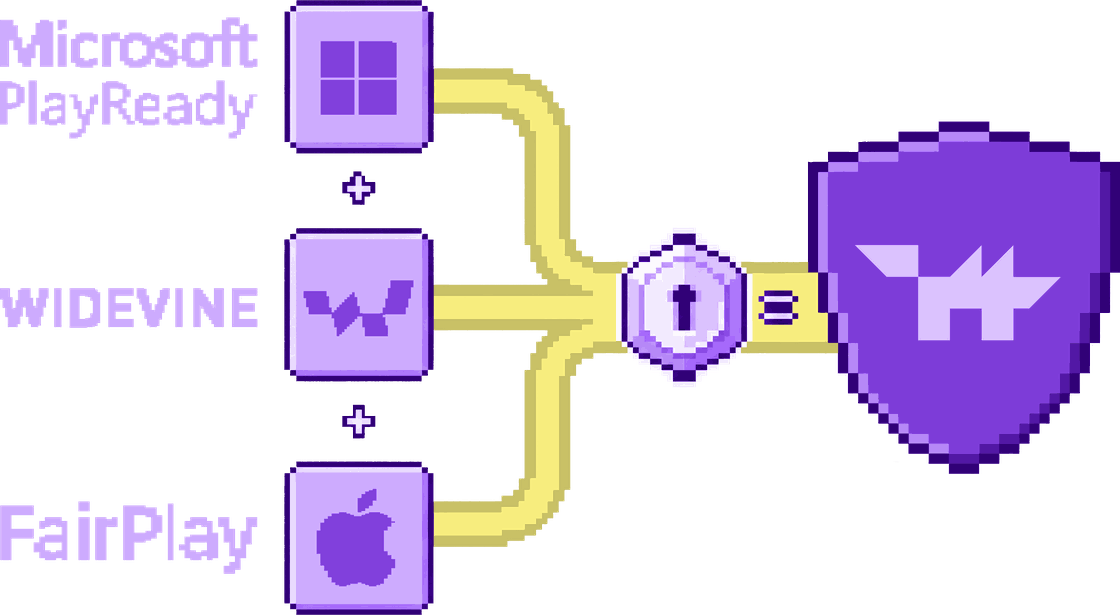
- Three DRM systems cover almost every screen: Google Widevine, Microsoft PlayReady and Apple FairPlay. Multi-DRM means supporting all three.
- DRM stops downloads and rips. It does not stop a phone camera pointed at the screen; a per-viewer watermark is the answer to that.
LEVEL MAP
Digital rights management, or DRM, is how Netflix, Disney+ and every serious video platform make sure a video plays only for people who are allowed to watch it. It is also the most misunderstood word in video. This guide explains what DRM actually does, step by step, and where it stops.
DRM in one paragraph
The video is encrypted before it leaves the server. To play it, the viewer’s device must ask a licence server for the key, and the key arrives inside a licence that only a trusted part of the browser or operating system can open. Without a valid licence, the file is noise: you can download every segment of the video and still have nothing you can watch.
That last part is the point. Hiding a video, with an unlisted link, a password or a members-only page, decides who can find it. DRM decides who can play it, even after the files have been copied.
What happens when someone presses play
Every DRM system follows the same five steps, whether the viewer is on a phone, a laptop or a smart TV.
- The player loads the stream. The video is cut into short encrypted segments and described by a manifest (HLS or MPEG-DASH). The manifest says that the content is encrypted and which DRM systems can unlock it.
- The browser hands the job to its DRM module. Through a web standard called Encrypted Media Extensions (EME), the page asks the browser’s Content Decryption Module (CDM) to prepare a licence request. The page itself never sees the key.
- The request goes to a licence server. The player sends it together with proof that this viewer is allowed to watch, such as a short-lived token tied to the playback session.
- The licence server answers with rules. If the session checks out, it returns a licence: the content key, encrypted so that only that CDM can read it, plus rules such as an expiry time, the highest quality allowed and whether the connection to the screen must be protected (HDCP).
- The CDM decrypts and plays. On devices with hardware-backed DRM, decryption and decoding happen inside a protected area of the chip, and the decoded picture goes straight to the screen.
Notice what never happens: the key is never written into the page, the JavaScript or the video file. That is the difference between DRM and simply encrypting a file.
Widevine, PlayReady and FairPlay: who uses which
No single DRM system plays everywhere. Each platform owner ships its own, which is why serious video platforms support all three. That is what multi-DRM means: one encrypted library, and a licence for whichever system the viewer’s device has.
| DRM system | Made by | Where it plays | Hardware protection |
|---|---|---|---|
| Widevine | Chrome, Firefox and Edge on most platforms; Android phones and TVs; Chromecast; many smart TVs | Level L1 on hardware-backed devices, L3 (software) elsewhere | |
| PlayReady | Microsoft | Edge and Chrome on Windows, Xbox, many smart TVs | SL3000 on hardware-backed devices, SL2000 otherwise |
| FairPlay | Apple | Safari on Mac, iPhone and iPad; Apple TV | Built into Apple devices |
Those security levels matter. A DRM module that runs in ordinary software is easier to attack than one sealed inside the chip, so platforms usually limit software-only DRM to standard definition. We cover that trade-off in Widevine L1 vs L3: why some viewers get 480p.
DRM vs encryption vs private links
Three very different things get called “protection”:
- Private links and passwords (YouTube unlisted, Vimeo privacy settings, a members-only page) control who can find a video. Anyone who can play it can usually save it with a browser extension.
- Encrypted HLS (AES-128) encrypts every segment, but the player fetches the key over the network, so a determined user can capture the key and decrypt the video. It stops casual downloads and hotlinking.
- DRM keeps the key inside the device’s DRM module and adds rules: expiry, quality limits and output protection. It is what film studios require before they license content.
The middle option has real uses; AES-128 HLS encryption vs multi-DRM explains when it is enough.
If my course is behind a login, it is protected.
A login decides who reaches the player. Once someone is in, download extensions, shared passwords and screen recorders work exactly as they would on a public page. DRM, watermarks and access rules are what work after the login.
What DRM does not do
DRM is the strongest tool there is against copies of the file itself. It is just as important to be honest about where it stops:
- It cannot stop a camera. Anything a viewer can see, they can film with a phone. Security people call this the analog hole, and no technology closes it. A visible per-viewer watermark makes that copy traceable.
- Software DRM can be screen-recorded. Where only software DRM is available, such as Widevine L3 in many desktop browsers, the decoded picture can be captured. That is why those devices get lower quality, or are sent to a protected app. Can you stop people screen-recording your videos? goes through it device by device.
- It does not stop login sharing. If five friends share one password, DRM alone will happily license five sessions. Session limits, per-viewer tokens and watermarks handle that; see how paid course videos leak.
How Wolvy applies DRM
Wolvy encrypts every video once and serves licences for Widevine, PlayReady and FairPlay from its own licence servers. Every Multi-DRM plan includes all three systems.
- Keys per session. Licences are issued per playback session. Keys are never stored with the video file or sent to the page.
- Quality follows security. Software Widevine (L3) plays up to 480p, stronger DRM unlocks HD, and hardware DRM with HDCP 2.2 unlocks 4K. The licence servers apply the same tiers, so editing the player does not unlock a higher one.
- Watermarks and access rules on top. A per-viewer watermark, signed viewer tokens, session limits against account sharing, and domain and IP rules cover what DRM alone cannot.
- App-Only mode sends viewers whose browser only has software Widevine (L3) to a protected client instead: the Wolvy Player app on Android, Edge on Windows, Safari on Apple devices.
FAQ.EXEQuestions people ask
Is DRM the same as encryption?
Do viewers need to install anything to watch DRM video?
Can a DRM-protected video be downloaded?
Why do I need three DRM systems?
CREDITSSources
LEVEL COMPLETE
+1,369 WORDS · LV.01 CLEARED
Ready to put a guardian wolf between your videos and the internet?
NEXT LEVEL ▶
Widevine L1 vs L3: why some viewers get 480p
Security levels decide who gets HD. What L1, L3, PlayReady SL3000 and HDCP mean, which devices land where, and why capping quality beats blocking viewers.
Can you stop people screen-recording your videos?
What DRM, hardware protection and app-only playback really stop, device by device, and why a per-viewer watermark is the answer to the phone camera.
How paid course videos leak, and how to close every route
Downloaders, forwarded links, shared logins, re-embeds, screen recorders and the reseller channels that collect them: six routes, and the control that closes each.