
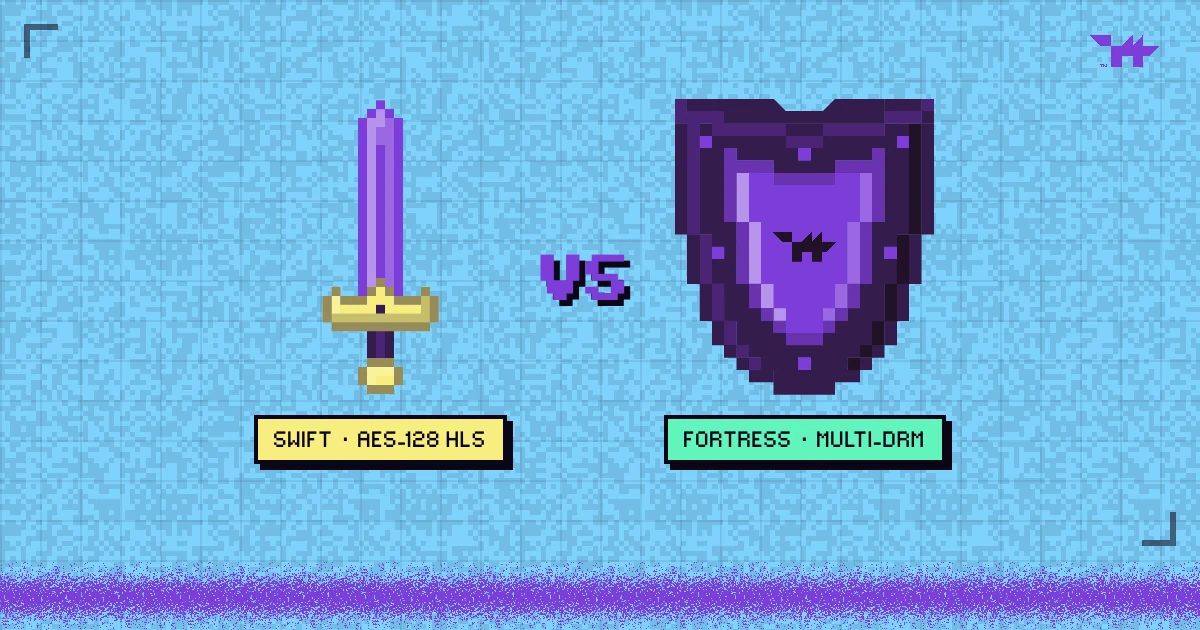
- AES-128 HLS encrypts every segment, but the player has to fetch the key, so a determined user can capture it and decrypt the video.
- Multi-DRM keeps the key inside the device’s DRM module and adds hardware protection, output rules and black screen recordings on protected devices.
- Encrypted HLS suits internal training and low-risk libraries. DRM is for anything you sell.
LEVEL MAP
Both options encrypt your video. Both stop the browser extension that grabs an unprotected file. The difference is where the key lives, and that one detail decides who can still get a clean copy. Here is how each works, side by side, and how to choose.
How AES-128 HLS encryption works
HLS (HTTP Live Streaming) splits a video into short segments listed in a playlist. With AES-128 encryption, every segment is encrypted, and the playlist carries a line telling the player where to fetch the key:
#EXT-X-KEY:METHOD=AES-128,URI="https://keys.example.com/key?token=…"The player downloads the key, decrypts each segment and plays it. The key address can be protected with signed tokens and domain checks, so a random visitor cannot fetch it. But once a legitimate player has the key, it is ordinary data in the browser: anyone with developer tools, or a download tool that understands HLS, can save the key and the segments and decrypt them.
How multi-DRM is different
With DRM, the player never receives a usable key. The browser’s DRM module requests a licence, the licence server checks the session, and the key arrives encrypted for that module alone. On hardware-backed devices, decryption and decoding happen inside the chip.
- The key stays out of reach. It never appears in the page, the network log or a downloadable file.
- Rules travel with the licence. Expiry, maximum quality and HDCP output protection are enforced by the device, not by your JavaScript.
- Recording is blocked where the hardware allows it. Protected video records black on hardware-backed paths.
- Licensors recognise it. Deals for films and premium content usually require Widevine, PlayReady and FairPlay at specific security levels.
The price is complexity: three DRM systems, licence servers, and devices with different security levels. What is video DRM? walks through the licence flow, and Widevine L1 vs L3 through the levels. A platform such as Wolvy absorbs that complexity; building it yourself means running licence infrastructure.
Side by side
| AES-128 HLS (Wolvy ClearKey) | Multi-DRM | |
|---|---|---|
| Where the key lives | Fetched by the player, visible to the browser | Inside the device’s DRM module |
| Casual download tools | Stopped | Stopped |
| A determined, technical user | Can capture the key | Never sees the key; hardware levels resist extraction |
| Screen recordings | Not prevented | Black on hardware-protected devices |
| Output protection (HDCP) | No | Yes |
| Quality by device | Full quality everywhere | Lower on devices with only software DRM |
| Plays in | Every modern browser | Every modern browser and major device |
| Wolvy price, billed yearly | From $13 a month | From $41 a month |
Which one does your video need?
Choose multi-DRM when:
- you sell the video, or it sits behind a paywall;
- a leak would cost you sales or a licensing deal;
- you need screen recordings blocked on protected devices;
- you distribute films, screeners or premium courses.
Choose AES-128 HLS when:
- the video is internal: onboarding, training, team updates;
- the content is free or promotional, and you mainly want to stop hotlinking and casual downloads;
- every viewer must get full quality on any device, including Linux desktops and older phones.
Where the name “ClearKey” comes from
The W3C’s Encrypted Media Extensions standard defines a basic key system called Clear Key, in which the decryption key is handled by the page in the clear rather than by a protected DRM module. Wolvy’s ClearKey line follows the same idea: real encryption, with the key delivered to the player. It is a protection level, not a DRM system, which is exactly why it costs less and plays everywhere at full quality.
Both lines come with hosting, encoding, the brandable player and analytics; the pricing page lists what each plan includes, and the leak-routes guide shows which controls each one covers.
FAQ.EXEQuestions people ask
Is AES-128 HLS encryption the same as DRM?
Is AES-128 itself weak?
Does DRM work on every device?
Which is cheaper?
CREDITSSources
LEVEL COMPLETE
+850 WORDS · LV.05 CLEARED
Ready to put a guardian wolf between your videos and the internet?
NEXT LEVEL ▶
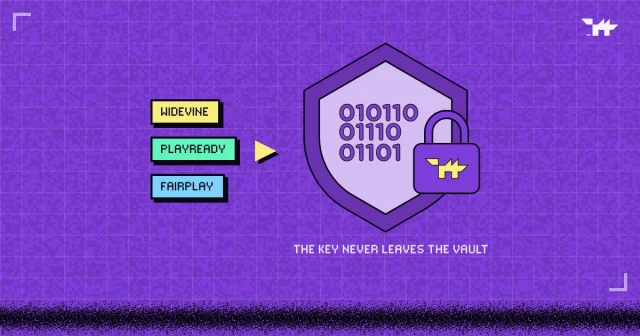
What is video DRM? Widevine, PlayReady and FairPlay, explained
How encryption, licences and the DRM module inside every browser keep a paid video playable only by the people who paid for it, and where DRM stops.
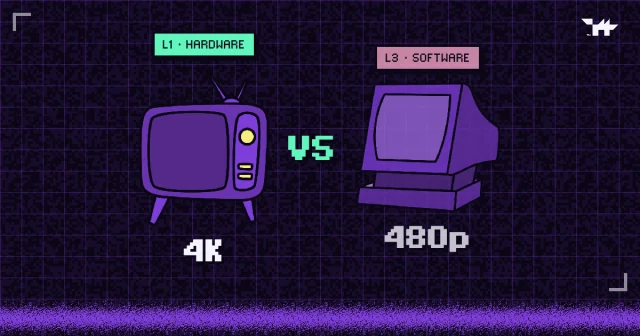
Widevine L1 vs L3: why some viewers get 480p
Security levels decide who gets HD. What L1, L3, PlayReady SL3000 and HDCP mean, which devices land where, and why capping quality beats blocking viewers.
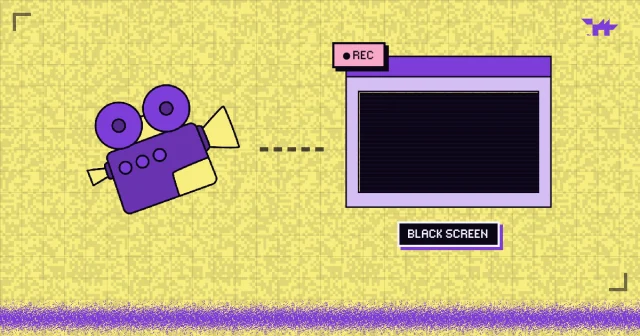
Can you stop people screen-recording your videos?
What DRM, hardware protection and app-only playback really stop, device by device, and why a per-viewer watermark is the answer to the phone camera.